Your workspace is a governance document, not a style guide
Style guides tell people how to write. A DocOpsly workspace tells agents how the documentation programme is run — and it is configured once.
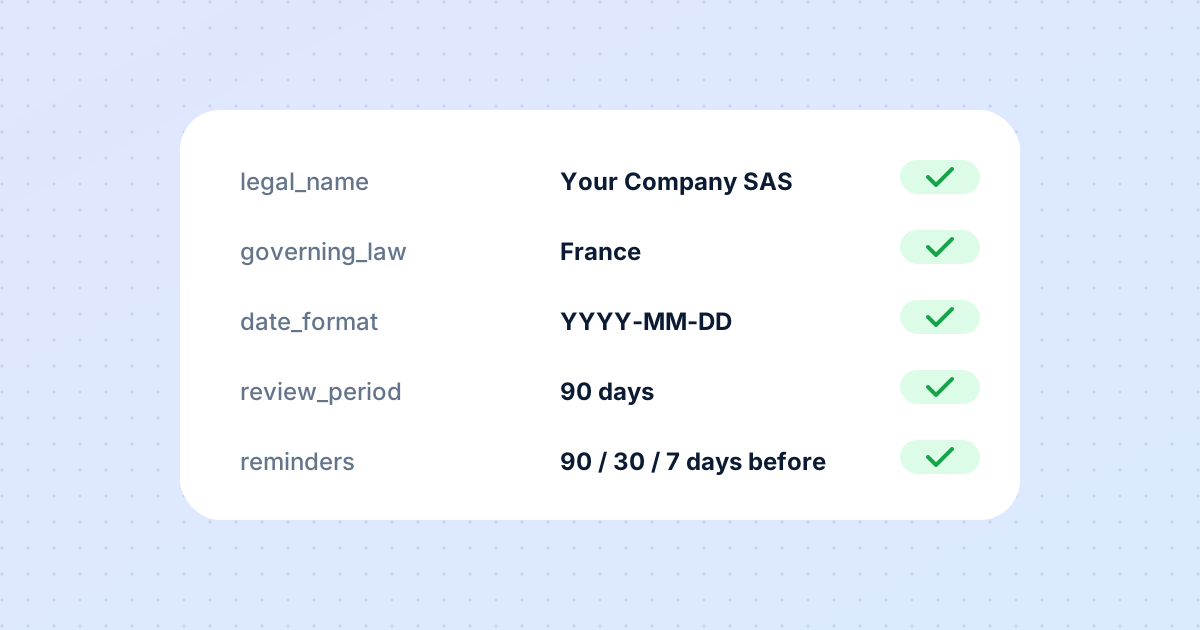
When teams first see a DocOpsly workspace, many compare it to a style guide. The comparison is understandable — both contain conventions — but it misses what the workspace is for. A style guide is advice for people. A workspace is configuration for a programme that runs largely without them.
What lives in a workspace
- Organisational details: legal name, registered address, governing law, primary contact. Templates reuse these; agents insert them; a change propagates everywhere on the next publish.
- Matter conventions: default owner and role for new matters, date format, currency format. Applied to every draft automatically.
- Review defaults: standardised review periods by document type, and whether shared links expire.
- Renewal reminder schedules: lead times that generate prompts ahead of notice and renewal dates.
- Approvers: who can publish, and for which document sets.
Why this matters more for agents than for people
A human writer can hold conventions loosely. They know the entity name, they remember the date format, they ask a colleague when unsure. An agent producing hundreds of drafts a month cannot afford ambiguity — and a reviewer cannot afford to check formatting on every one. Explicit configuration moves those checks to before the draft exists. When the draft arrives, the reviewer's attention goes to the only things that need it: is this accurate, and does it fit how we operate?
The Admin role
One person or team owns the workspace. They can delegate approvals, adjust conventions and review defaults, and set schedules; everyone else works within the rules they set. This is not bureaucracy for its own sake. It is what allows a documentation programme to run consistently across products and teams without a meeting every time a new page is needed.
A small example
A company changes its registered address. In a conventional setup, someone searches every document for the old address, edits each one, and misses a few. In DocOpsly, the Admin changes one field. Every template referencing it updates on the next publish, and pages that contain the address in body text are surfaced for review. The change is complete in an afternoon and verifiable from the audit trail.
Start with defaults, then tighten
New workspaces do not need to be perfect. Set organisational details, one date format, one currency format, a single review period and one approver. Run for a month. Then add matter types, differentiated review periods and reminder schedules as the shape of your programme becomes clear.
More from the blog
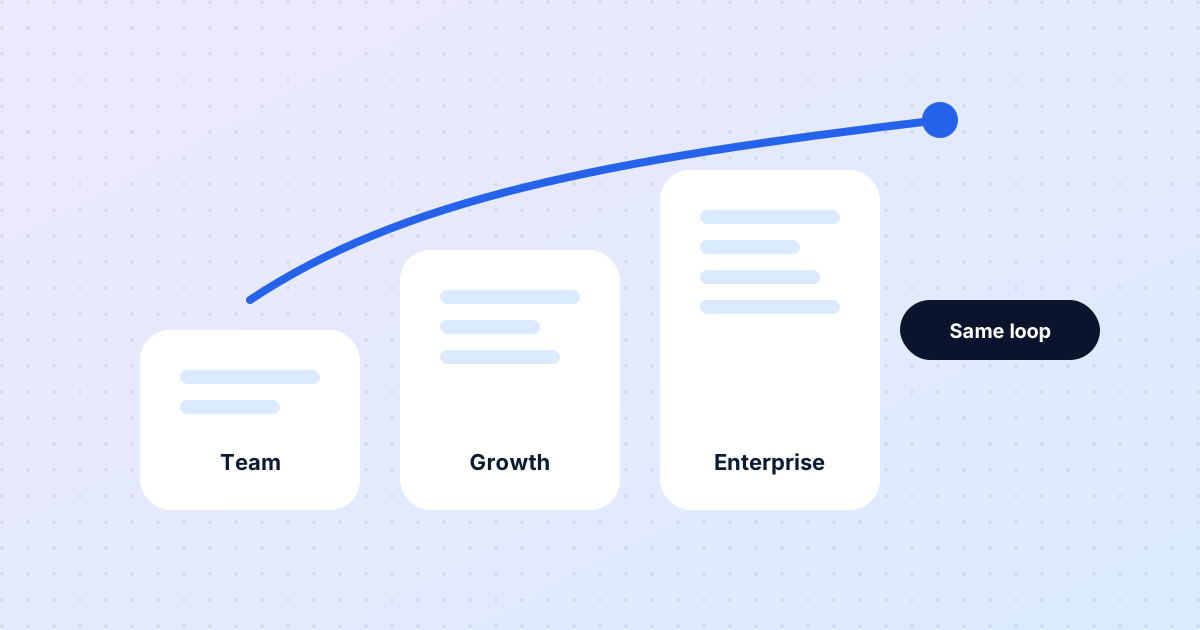
The same loop for five people or five thousand
Eight months in, a look at what has stayed constant as DocOpsly has grown from founding teams to enterprise programmes — and what changes with scale.
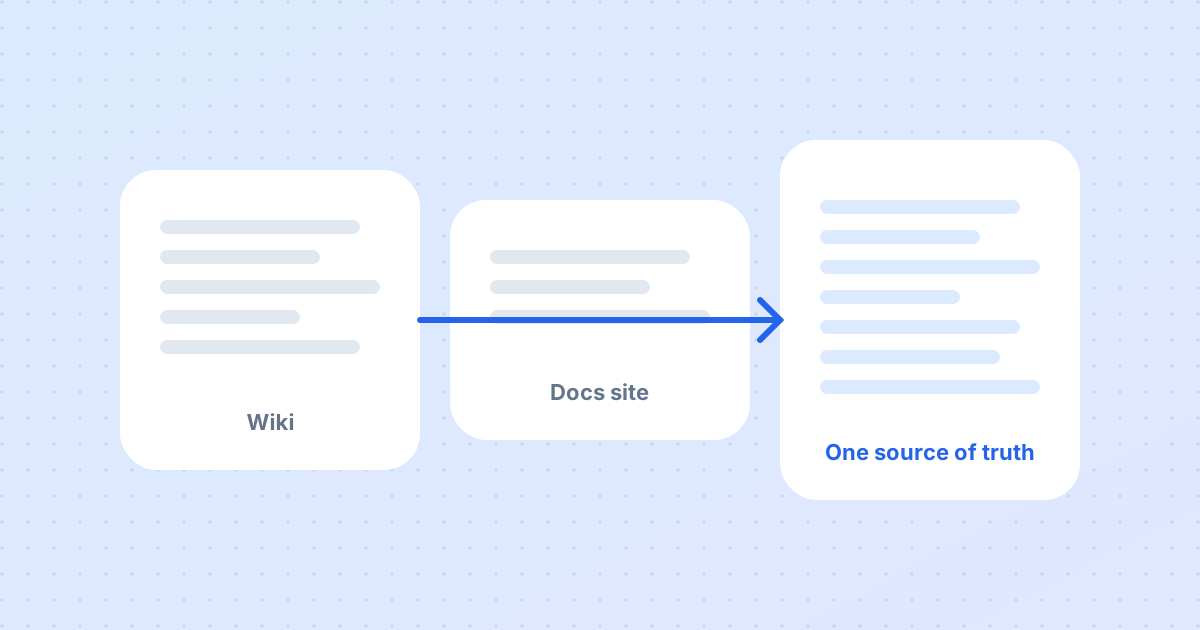
Migrating to DocOpsly without rewriting a single page
The most common worry from new customers is that migration means regenerating everything. It does not. Here is what actually happens in the first two weeks.
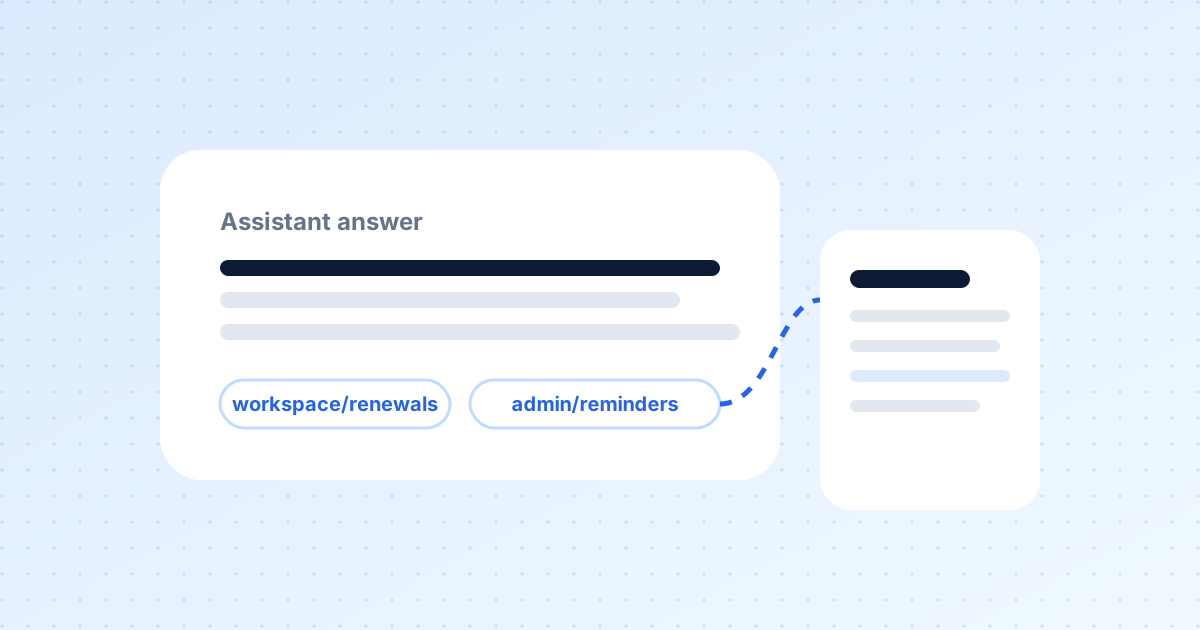
Documentation your assistants can actually trust
Support bots, internal helpdesks and content tools all read your docs. If the docs are stale, they amplify the error. Here is how citations change that.
Want this for your documentation?
Tell us about your product and how docs are handled today.
Contact us