The anatomy of a documentation loop
Trigger, draft, review, publish, repeat. A walk through each step of the agent-led lifecycle and the decisions behind it.
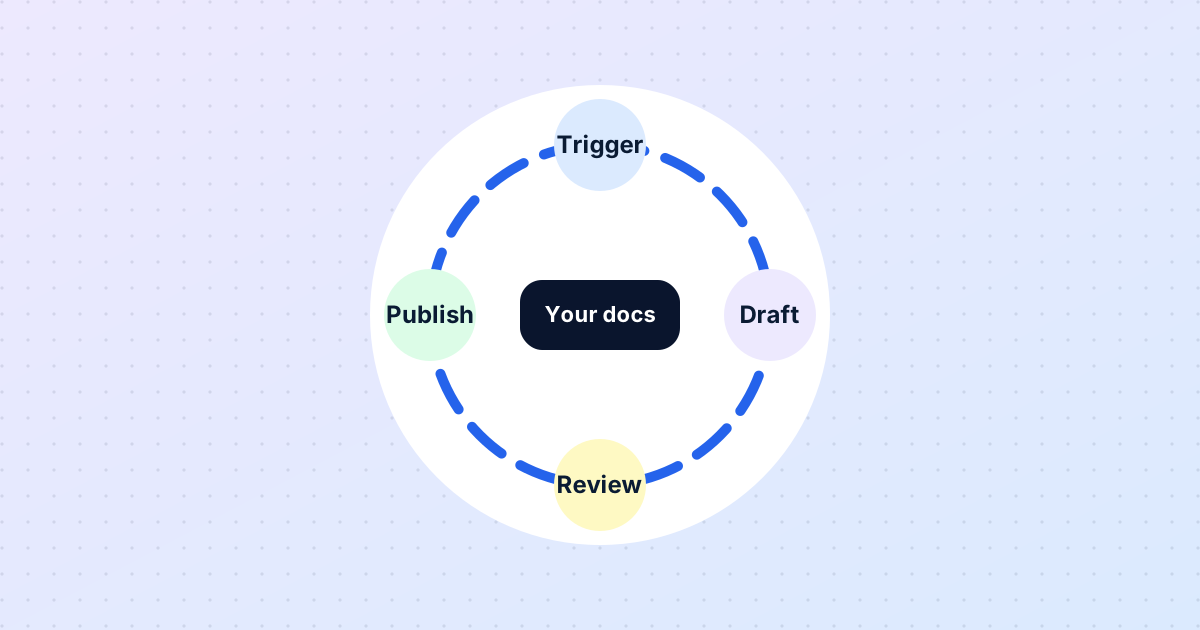
In our first post we argued that documentation stays accurate only when it is maintained by a loop rather than by effort. This post describes the loop DocOpsly runs and the reasoning behind each step.
1. Triggers
A trigger is any event that could make a page wrong or reveal that one is missing. We watch four kinds: product releases and release information, reader questions that current pages do not answer well, scheduled dates such as review periods and renewal deadlines, and manual flags from your team. A trigger does not change anything by itself. It opens a piece of work.
2. Reading the source of truth
Before an agent drafts a word, it reads the documentation you already have. This is the single most important design decision in the system. Your pages are treated as what is true today; drafts extend and correct them rather than replacing them. It keeps structure and tone consistent, and it means the agent can cite exactly what it relied on.
3. Drafting
The draft is produced under the rules of your workspace: organisational details pulled from configuration, date and currency formats applied automatically, owner and role assigned by convention. A draft is never a whole new page dropped in from nowhere; it is a proposed difference against a current page, with a plain-language explanation of why it was triggered and a list of cited sources.
4. Review
Every draft waits for a human. The reviewer sees the current page, the proposed change, the reason and the sources side by side. Three actions are available: approve, edit and approve, or return with a note. We deliberately made "edit and approve" as easy as "approve" — a reviewer who would phrase something differently should fix it in place rather than bounce it back.
5. Publishing
Approved changes go live through a controlled workflow, immediately or at a scheduled time. The publish step is also where the audit trail is written: who approved what, when, and against which sources.
6. Back to the start
The published page is now part of the source of truth. The next release, question or date will read from it. This is what "continuous" means in practice: not that agents are always writing, but that the system is always ready to.
Why not skip review?
We are asked this often. Technically, nothing stops an agent from publishing directly. We refuse to build it, on every plan, because documentation is a statement your organisation makes to customers, regulators and partners. Agents should do the work; people should decide what is said. That division is also what makes the system safe to scale — the more it writes, the more valuable a reliable approval gate becomes.
More from the blog
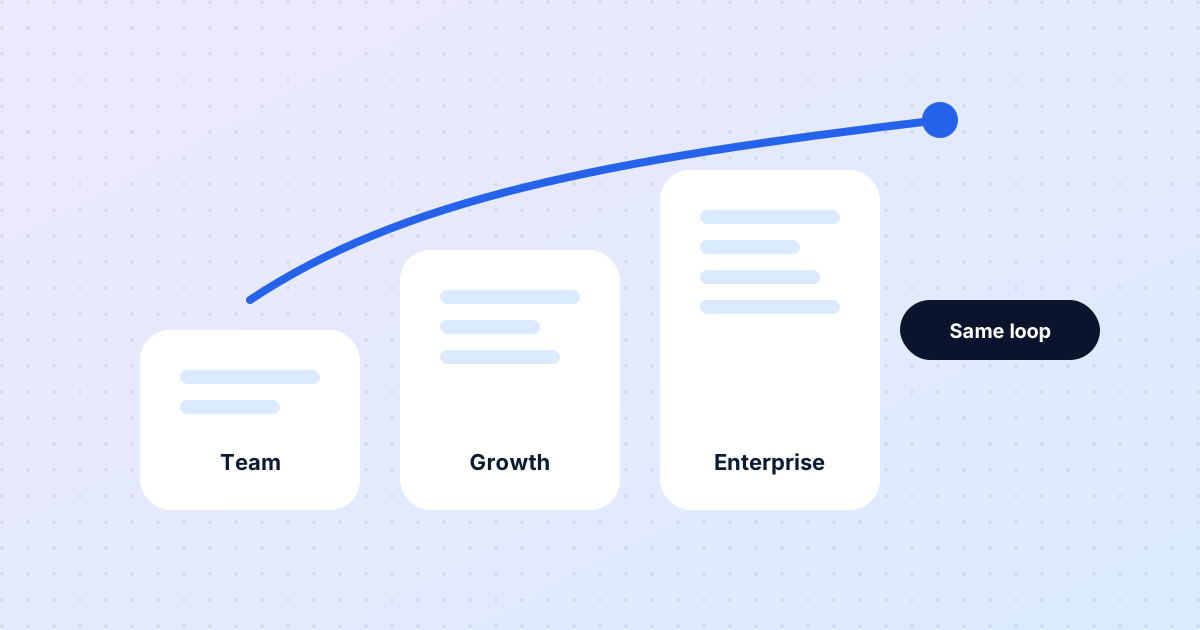
The same loop for five people or five thousand
Eight months in, a look at what has stayed constant as DocOpsly has grown from founding teams to enterprise programmes — and what changes with scale.
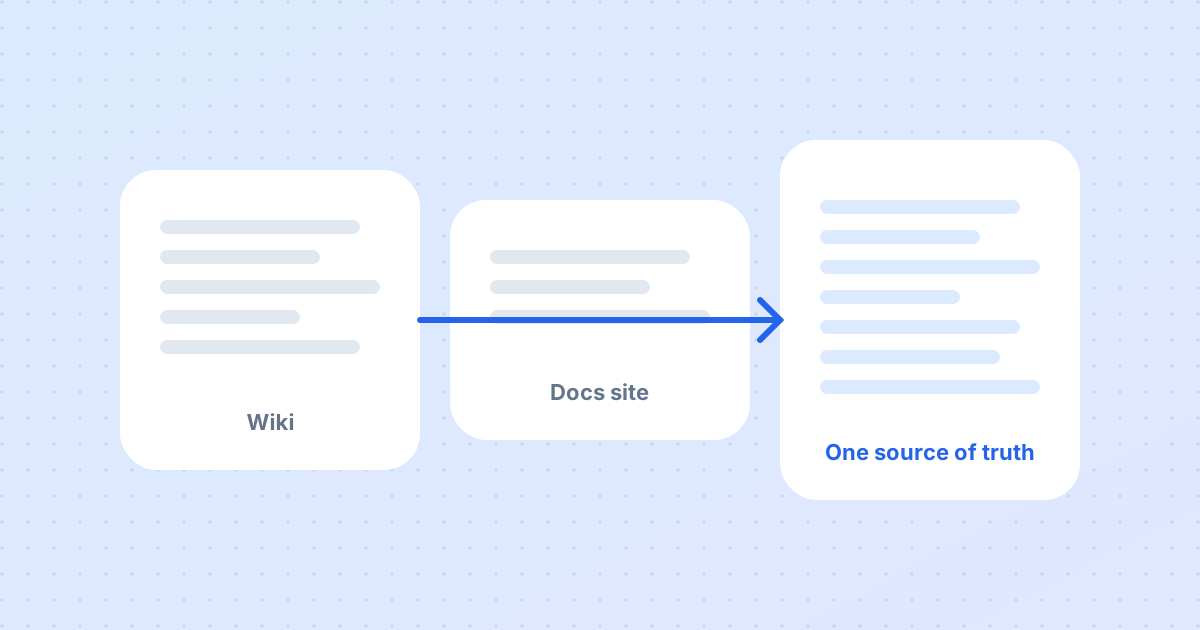
Migrating to DocOpsly without rewriting a single page
The most common worry from new customers is that migration means regenerating everything. It does not. Here is what actually happens in the first two weeks.
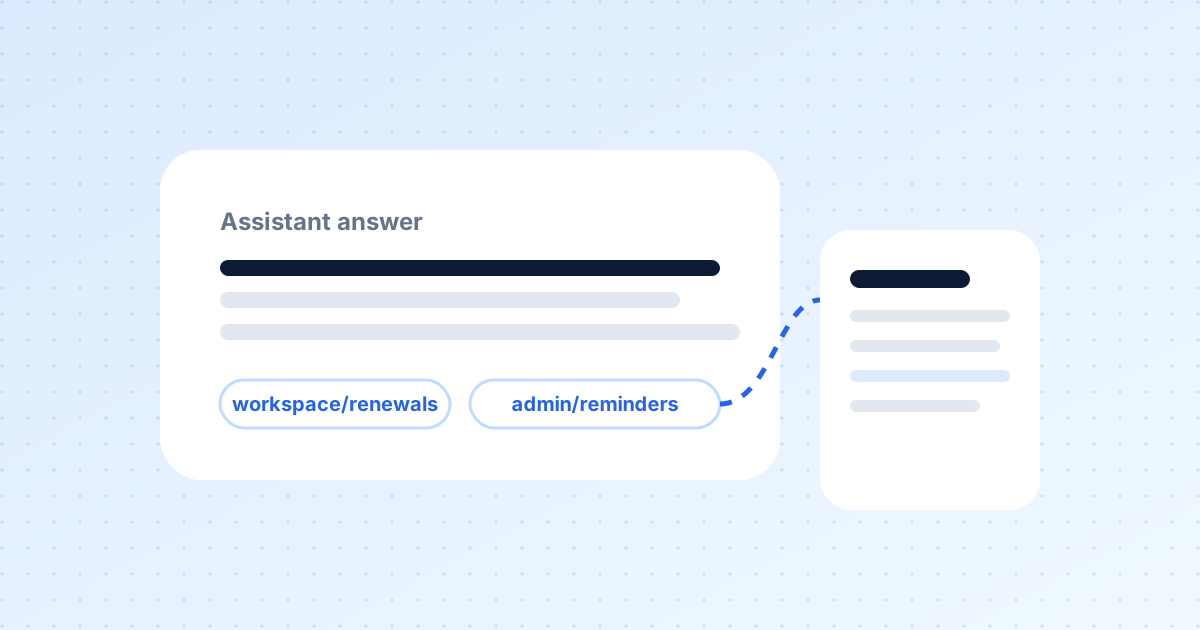
Documentation your assistants can actually trust
Support bots, internal helpdesks and content tools all read your docs. If the docs are stale, they amplify the error. Here is how citations change that.
Want this for your documentation?
Tell us about your product and how docs are handled today.
Contact us